
From Signitic, you can manage all your collaborators using the bulk actions button.
❶ Go to the Users menu
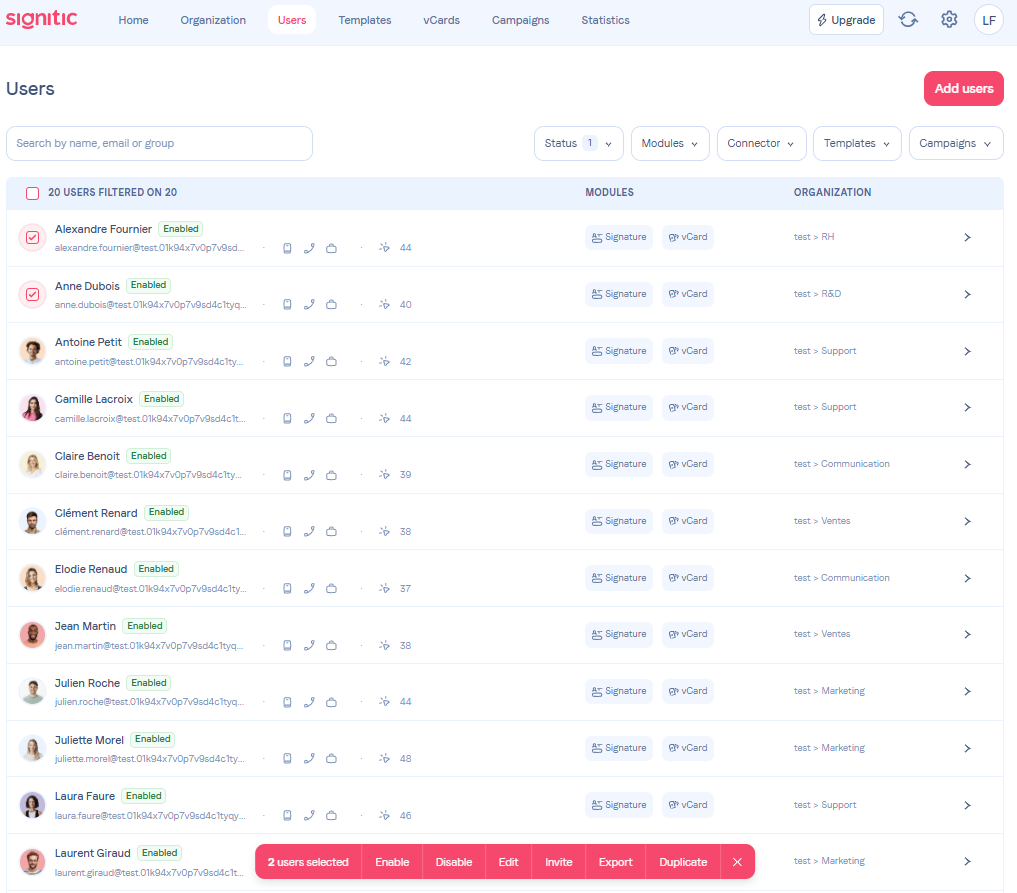
From the Users menu, select your users by clicking on their photo or filter them using the available filters at the top of the page.
❷ Select the action you want

Here, you can perform actions such as activate, deactivate, bulk edit or export data for all the selected users. Each action opens a pop-up window to better understand its purpose.