
When your users are first loaded, Signitic retrieves the information from your connector. This data is loaded once for each addition in Signitic.
However, when a user is present in Signitic and their information changes in your directory, the user will not be modified in Signitic.

❶ Go to your settings
Go to Settings > Connectors then click on the desired connector.
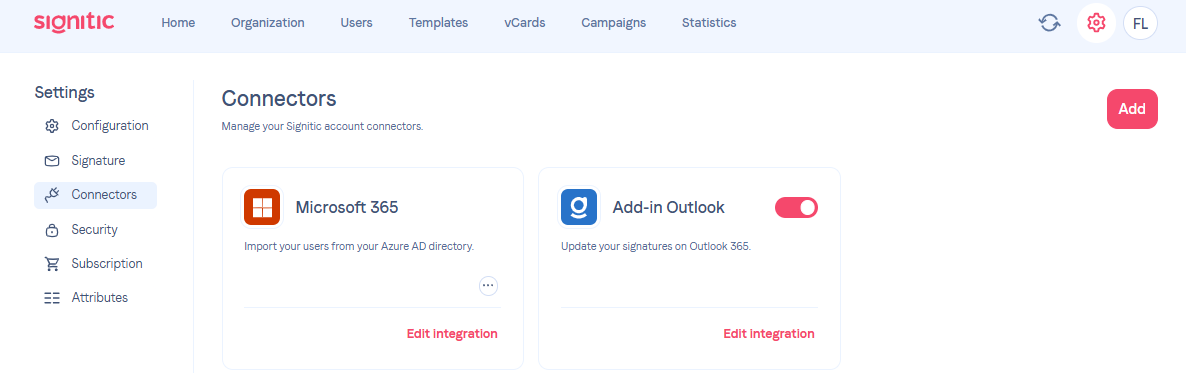
❷ Enable/disable the data overwriting option
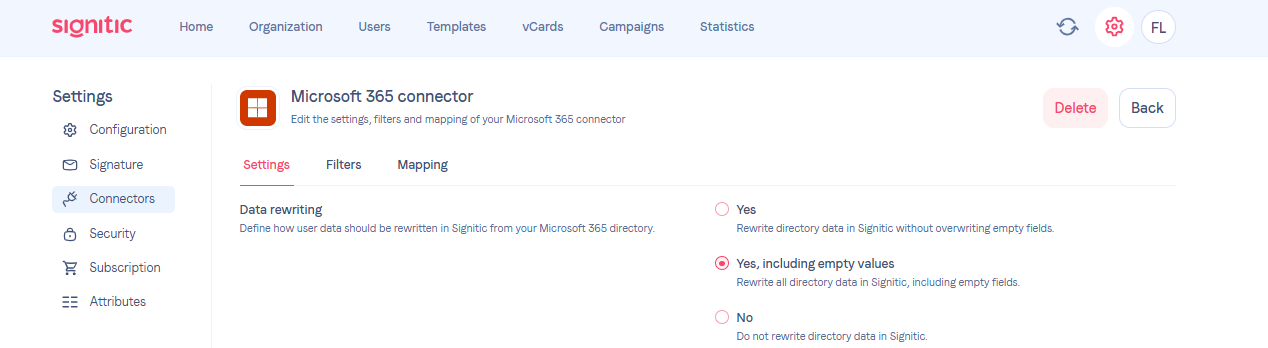
You will find the Source Microsoft 365 or Google Workspace connectors and the following option "Data overwriting".
“Yes”, this allows you to update the information that has been entered or modified.
“Yes, including empty values”. This allows you to delete a value if it has been removed from your connector.
No, the information will not be retrieved from your connector.
Every day, your users’ information, such as phone number or position, will be updated from your directory.