

If you wish to modify your information in your signature, please follow the steps below.
Go to your Gmail application
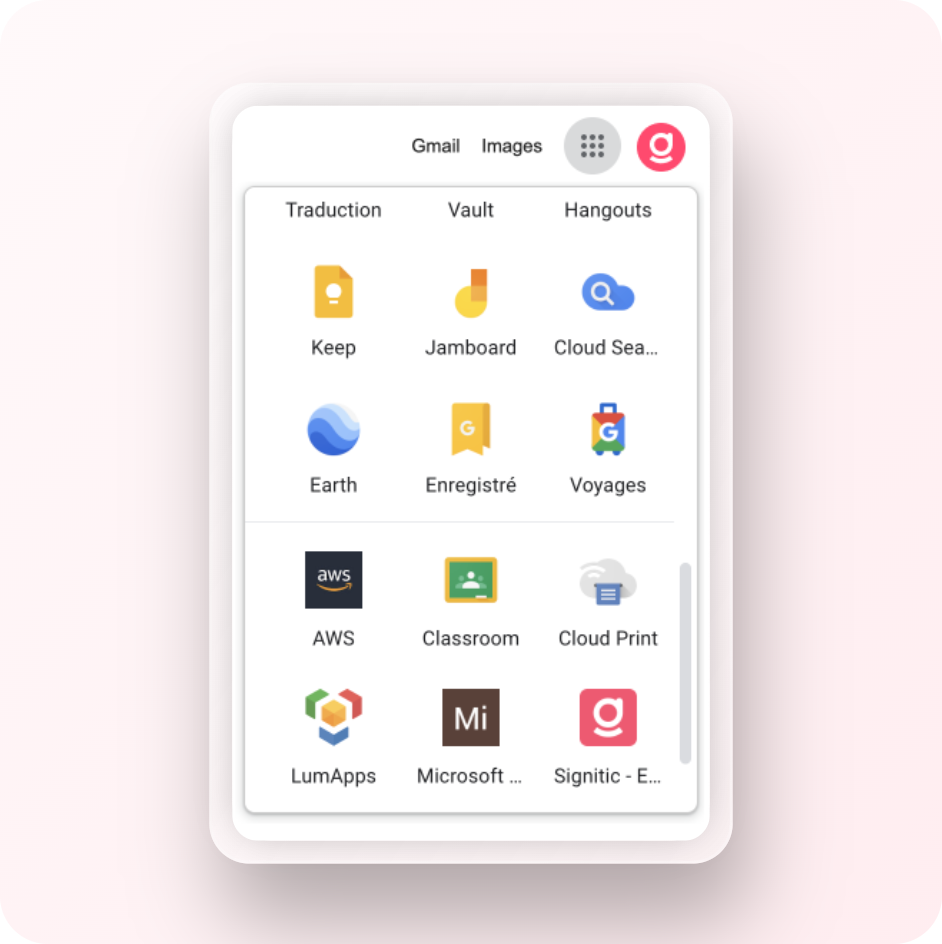
In your Gmail application, click on the Signitic icon.
You can also access it from your Gmail extension located next to the email composition area.
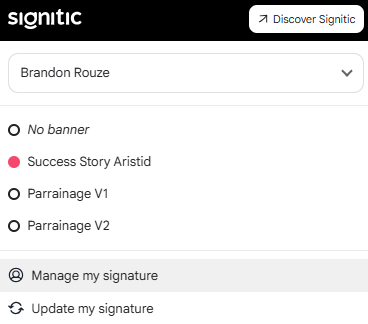
To do this, you can click on Manage my signature.
By clicking on Signitic, you will be prompted to log in via Google once again and you will have access to your information.
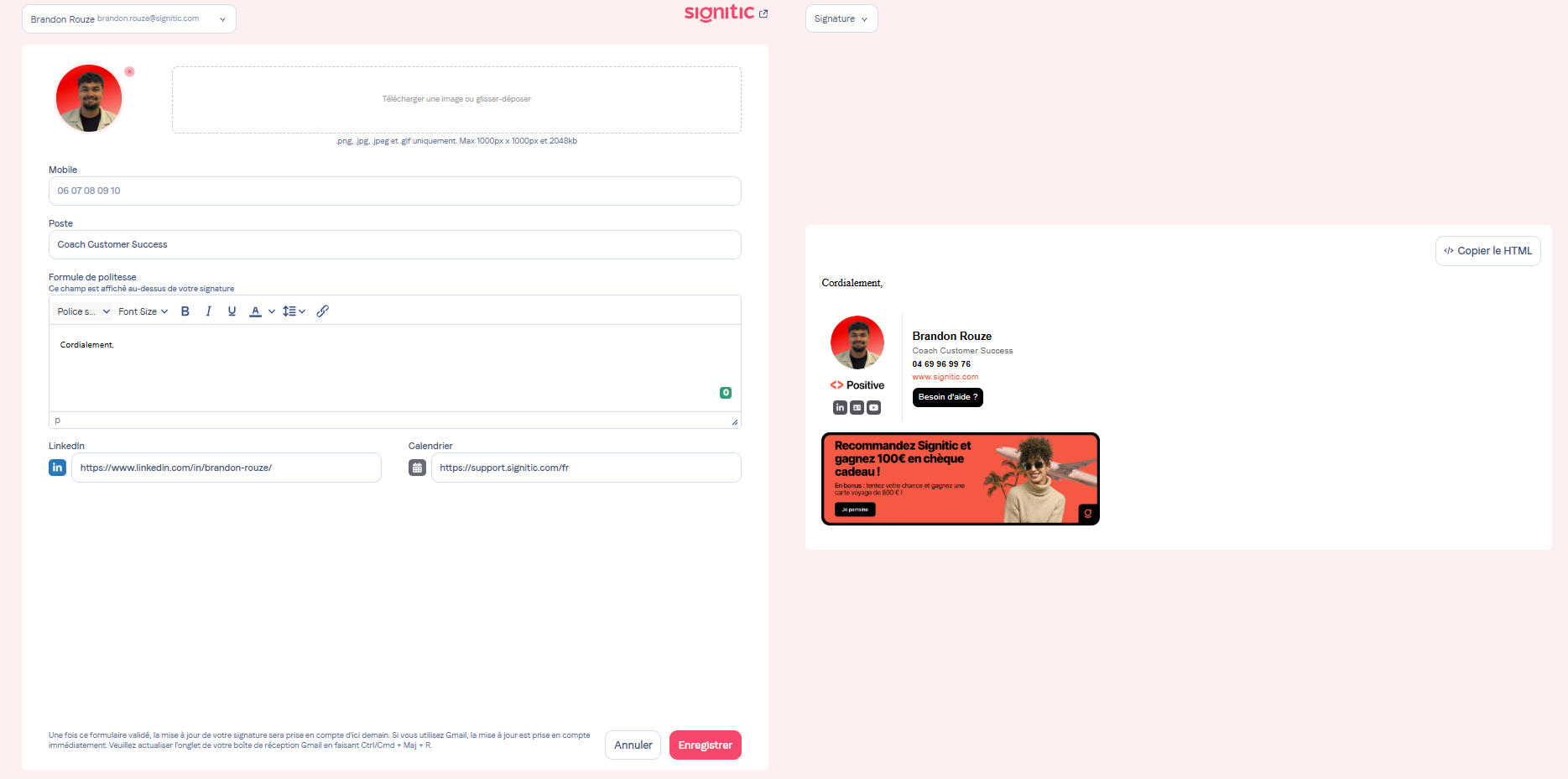
Once the changes have been made and saved, you will be automatically logged out. This behavior is therefore normal, and your changes are applied instantly.
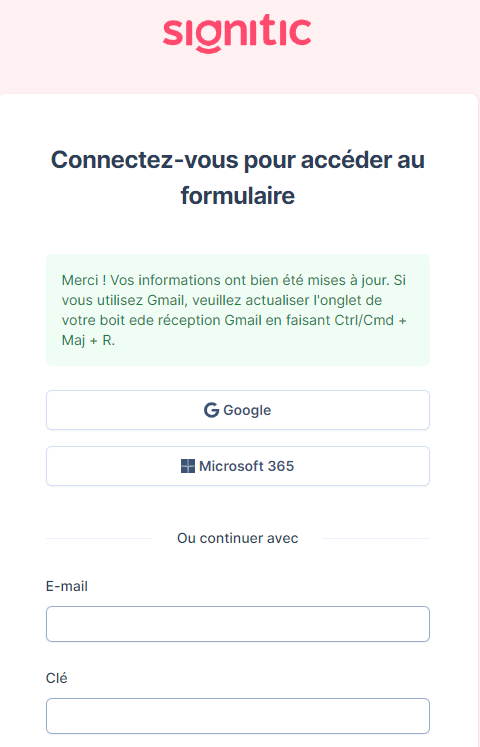
As an end user, your signature is updated daily on Gmail. If your signature is not up to date, please make sure to refresh Gmail properly (Ctrl/Cmd + R).
If the issue persists, please contact your Signitic administrator.