
Step 1: Create your API key on noCRM
❶ Access your noCRM account administration panel
Then select the "API keys" option in the Integrations menu.
❷ Click on the green "Create API key" button
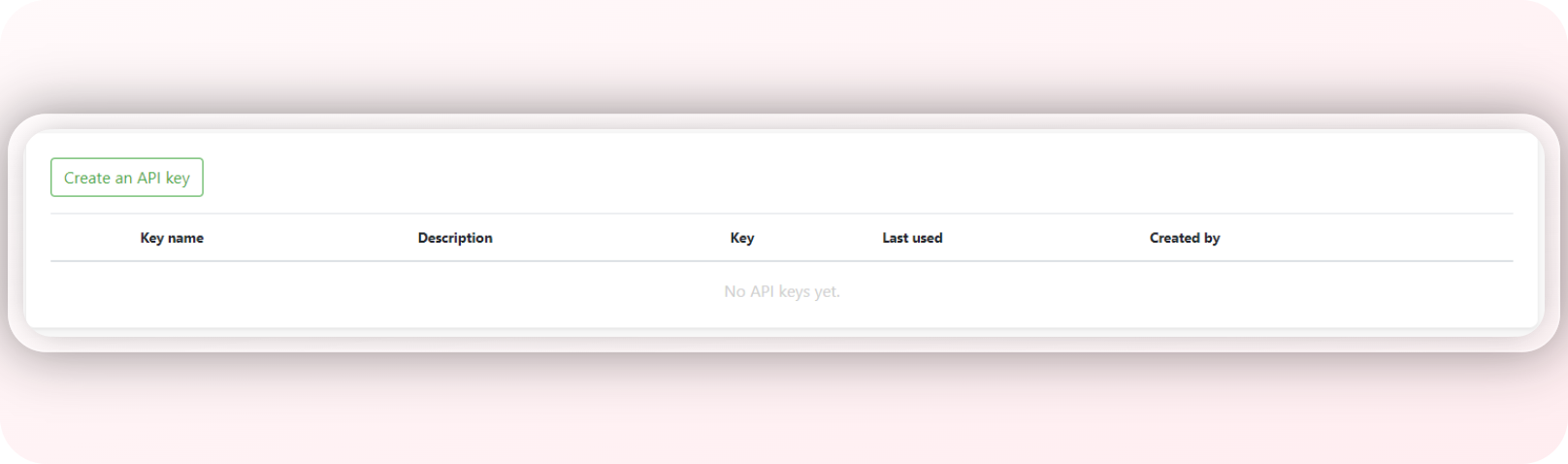
❸ Once the key has been generated, be sure to copy it for future use.
Step 2: Link with Signitic
❶ Add the noCRM connector:
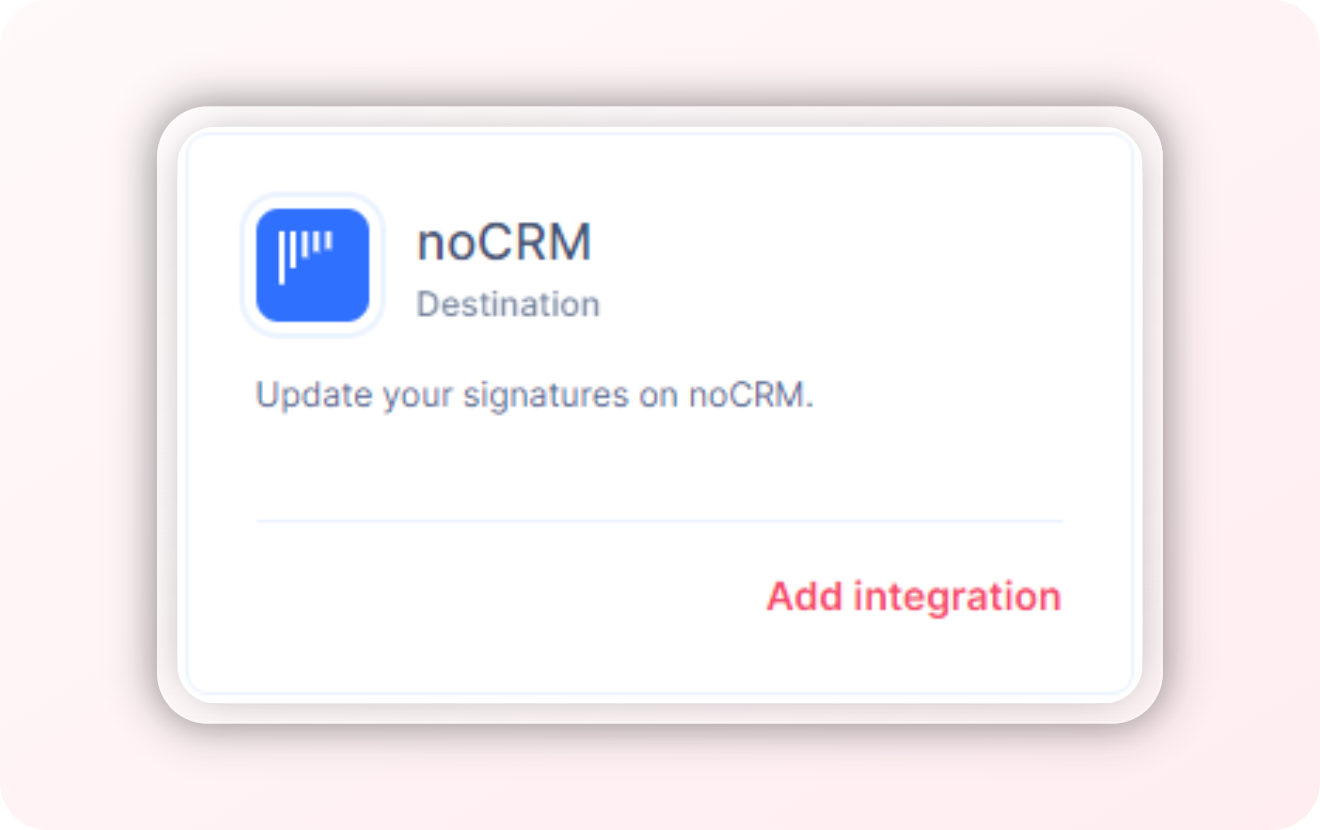
❷ Synchronize noCRM and signitic :
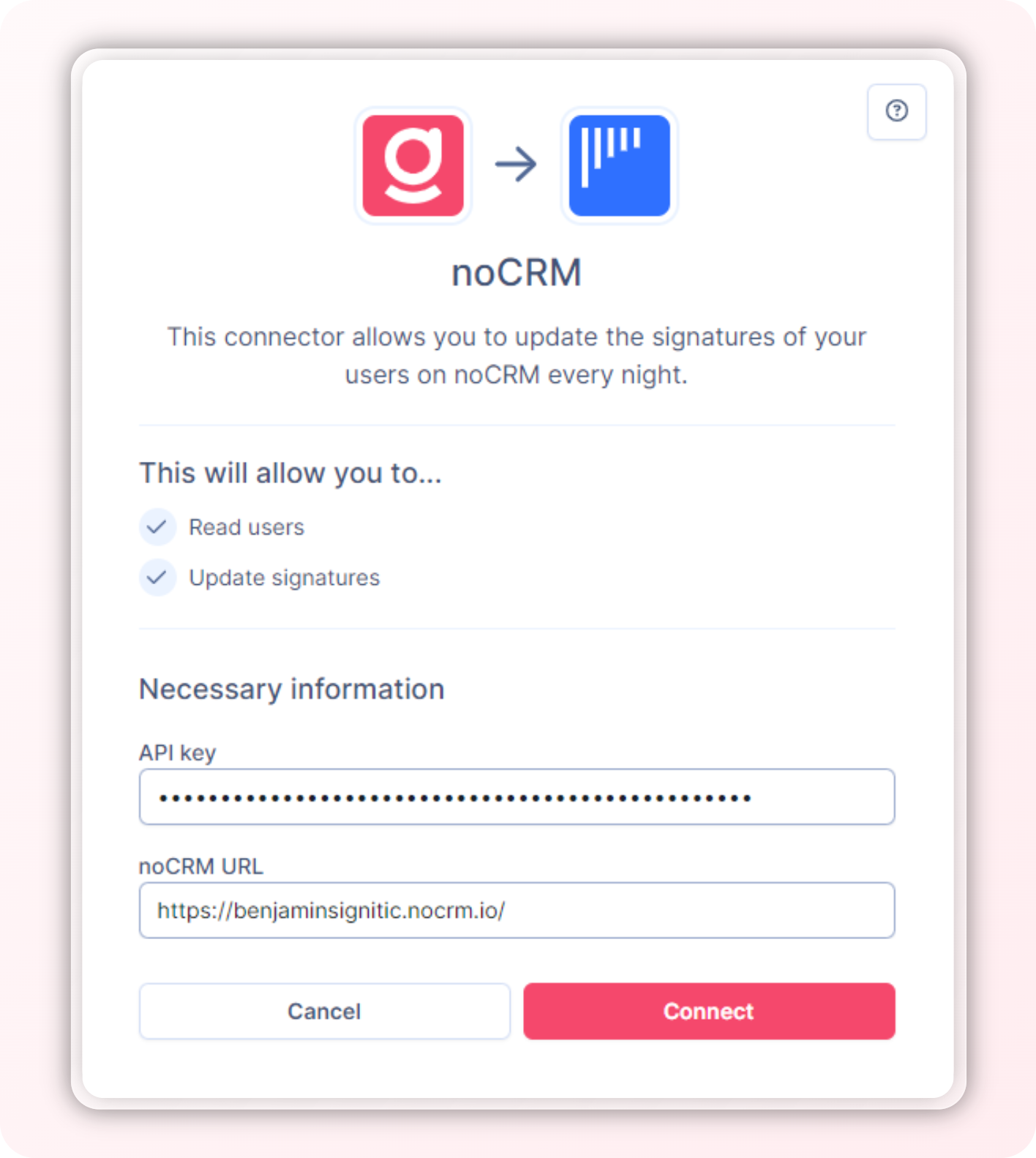
Congratulations, you have now synchronized noCRM and signitic.