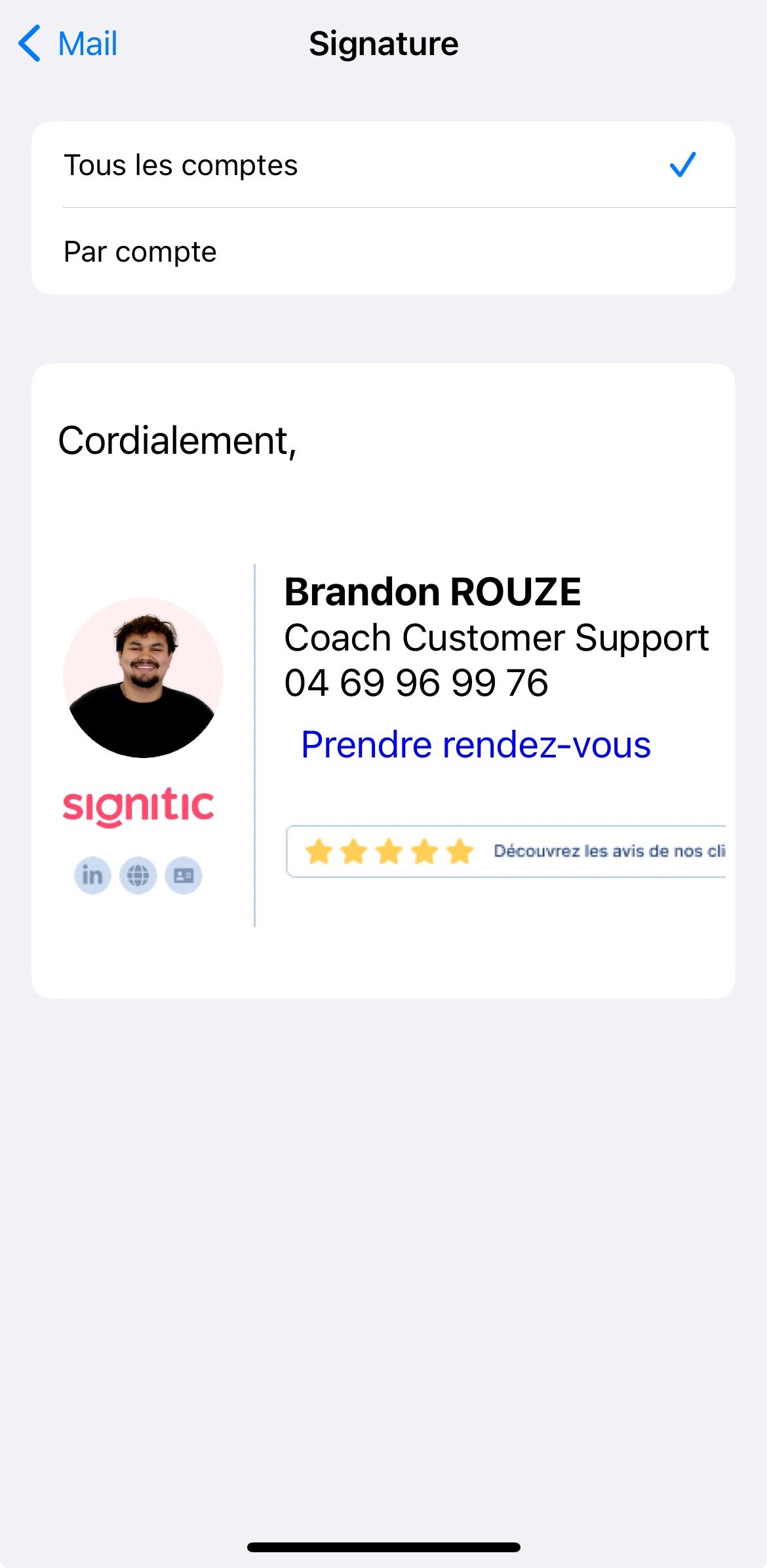
If you use the Apple Mail app on your iPhone, you can add your Signitic signature manually.

Open an email that contains your Signitic signature.
Press and hold the signature at the bottom of the message.
Once selected, copy it.

Once you have copied your signature, you can add it in the Signature settings of the Mail app on your iPhone.
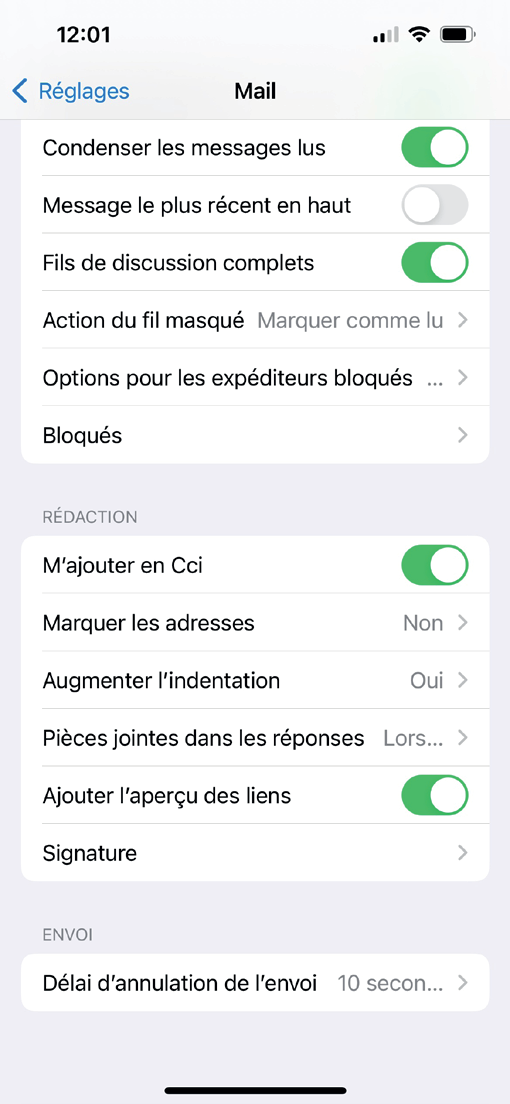
To do this, you need to access your Settings then search for Mail then scroll down until you find the Signature setting.
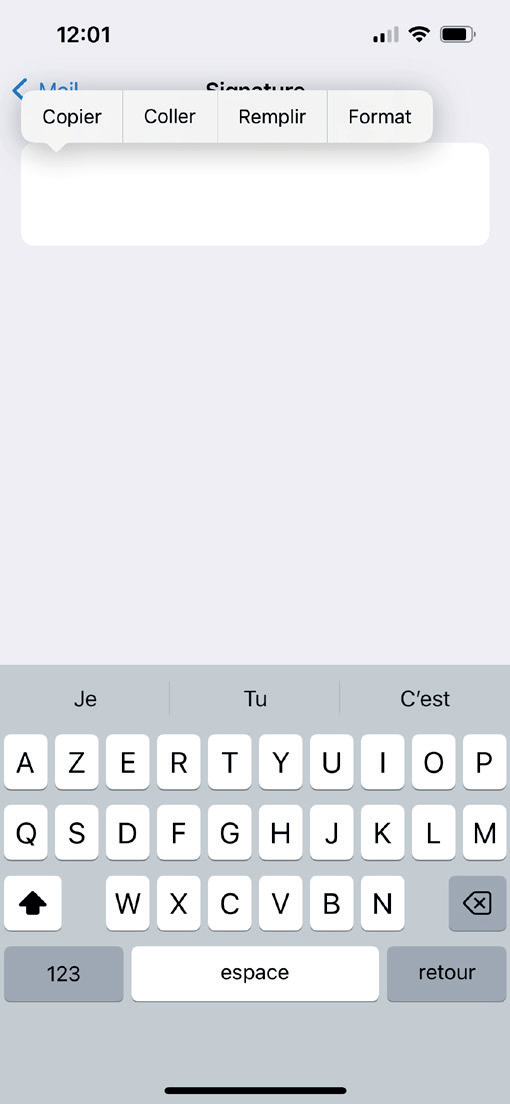
Paste the signature into the block:
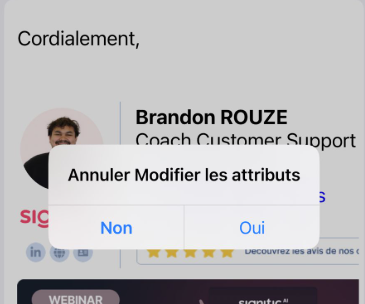
And you're all set: