
If you have a reseller account, you can modify the images of your Workspace Signitic to better identify them and for easier navigation.
❶ Update the Workspace Image
To update the image of your Workspaces, you need to go to the relevant account, then navigate to your settings and click on the sub-tab Settings.
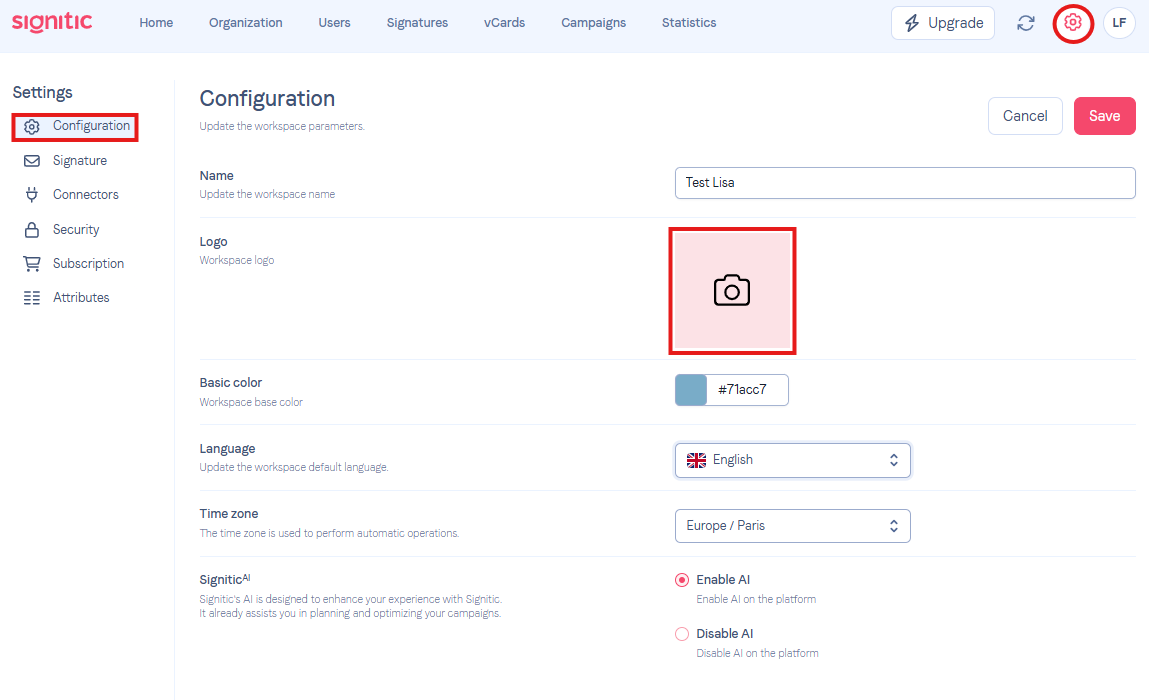
Click on the camera icon, and add the logo you want for the respective Workspace.
Feel free to contact support if needed!