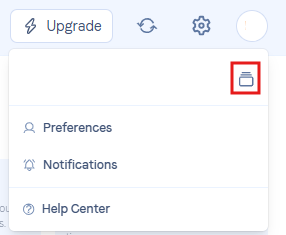
When you're logged into your account or one of your client accounts, you can easily move between different Workspaces. To do this, click on your account preferences, then click the icon to the right of your name.
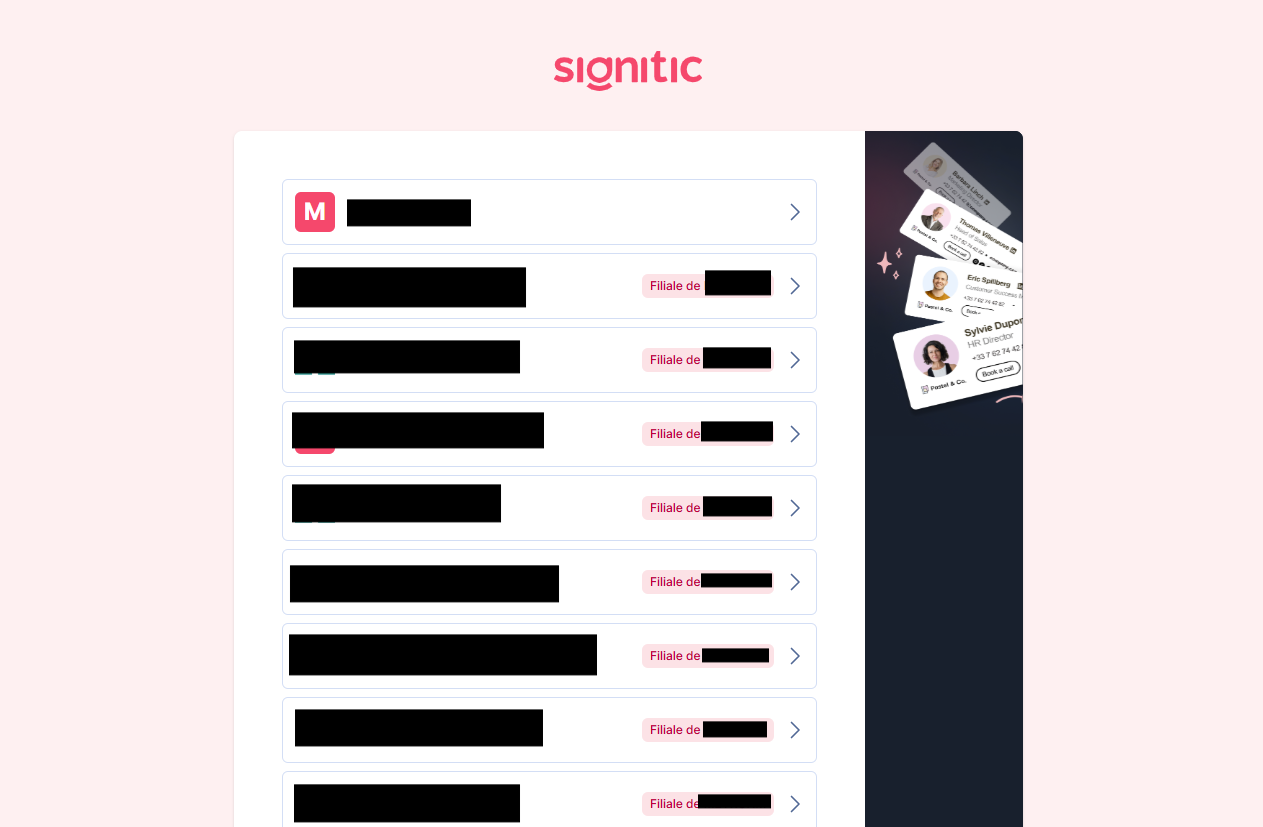
You'll then have access to your account list to make your choice: