
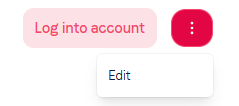
You can limit your clients’ licenses to avoid overuse. To do this, go to your clients list. Click on the 3 dots for the client you want, then click on Edit.
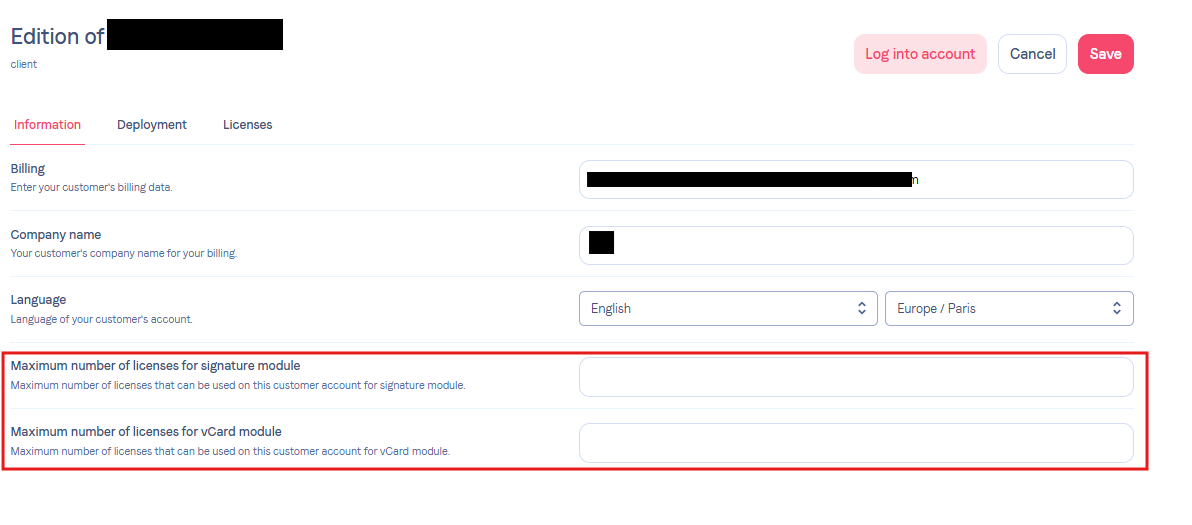
Once that’s done, in the Information tab you can set a license limit as you like. This can be for signatures, but also vCards.
Feel free to contact support if you need help!