
There are two units of measurement used by messaging apps for font size. They often use px or pt. The px (pixel) is a unit relative to the screen, depending on display resolution (1 px = 1 hardware point on the screen). The pt (typographic point) is a fixed unit used in print: 1 pt = 1/72 inch, no matter the resolution.

Gmail uses PX and Outlook uses PT.
If your company uses Outlook, you'll need to set the measurement unit to PT. If you use Gmail, it's better to go with PX.
❶ Set the measurement unit from your template
To do this, go to your signature template and click on the block containing your text.
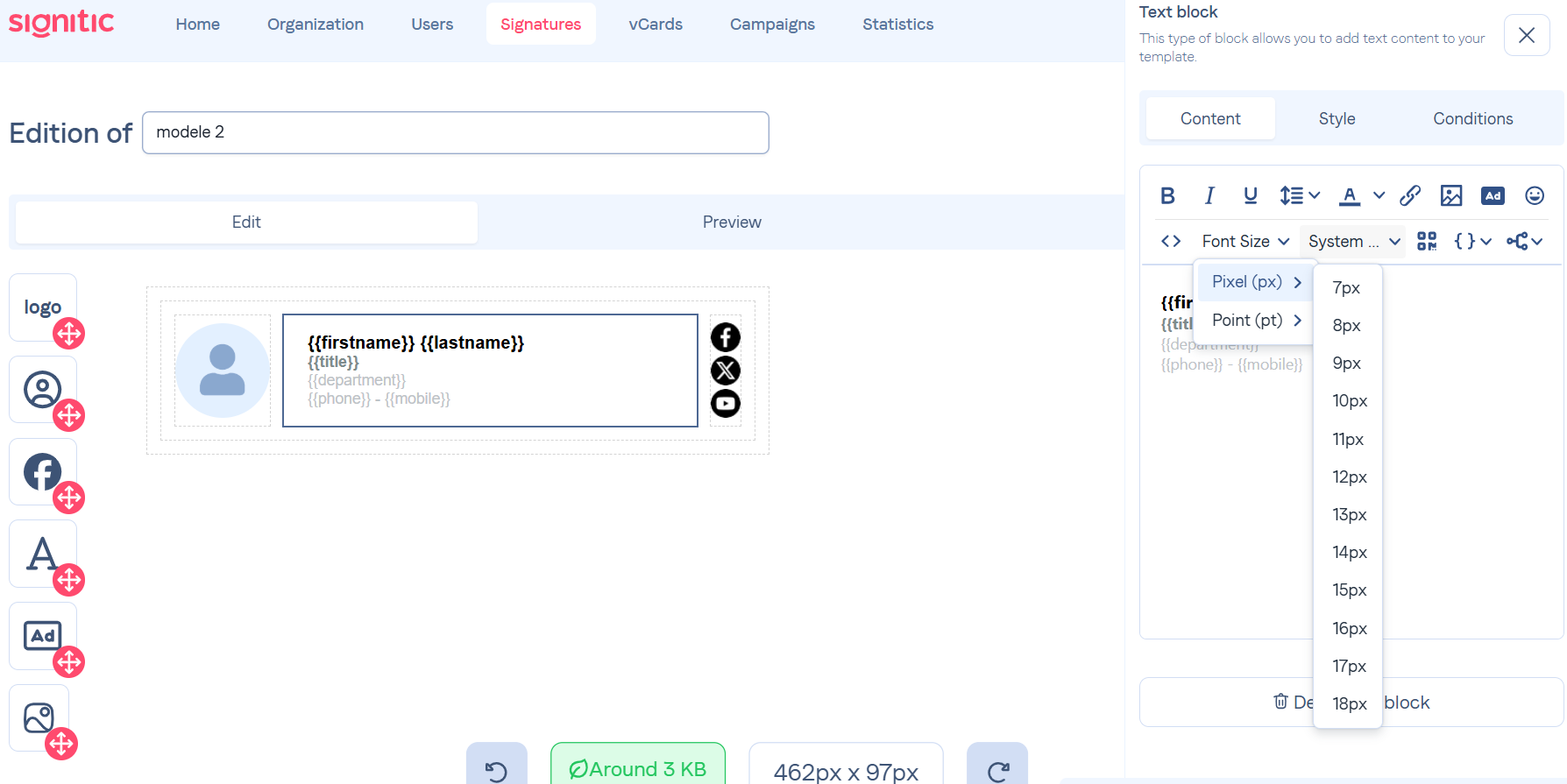
Then just highlight your text, and pick the font size and unit you want.