Thanks to the HubSpot tenant – Contact Lists, you can add:
Contact lists (e.g. [email protected])
Domain lists (e.g. signitic.com)
These lists then become accessible from the campaign management interface, for precise targeting of your recipients.
If you need assistance creating your lists in HubSpot, you can follow this article.
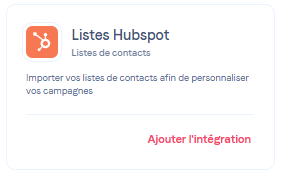
A new “HubSpot Lists” card is available in the Integrations area.
Click on Add integration
A pop-up window opens to start the installation
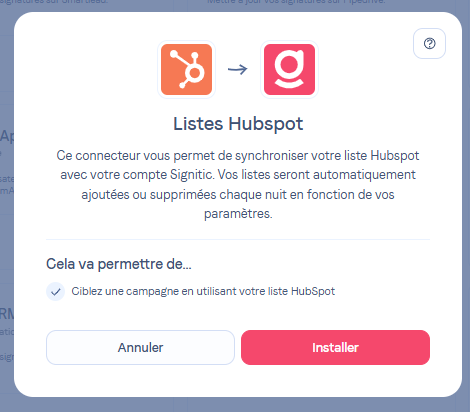
Click on Install to be redirected to HubSpot
Select the HubSpot account to connect
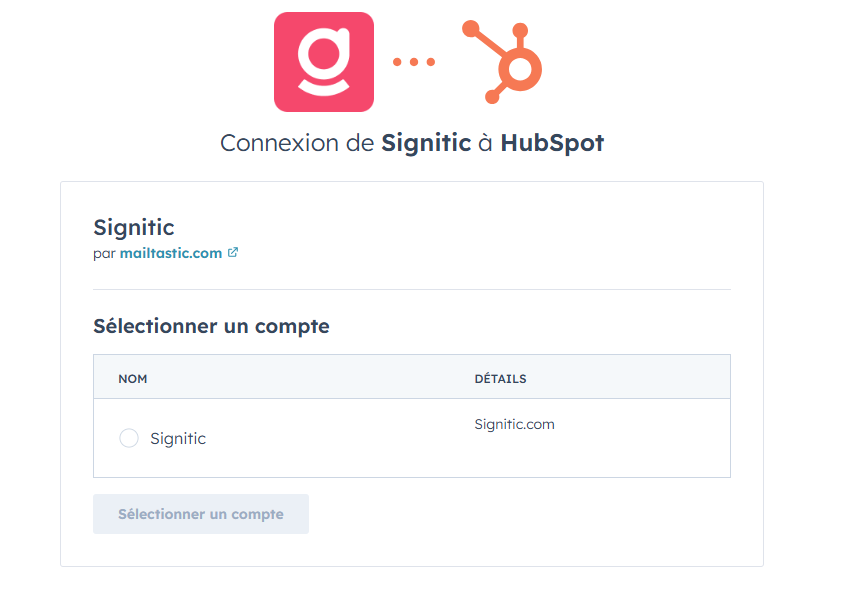
You are automatically redirected to the integration settings in Signitic
⚠ The same application can only be installed once on your Signitic account.
From the configuration page, you can select the types of lists to import :
Contact lists
Company lists (domains)
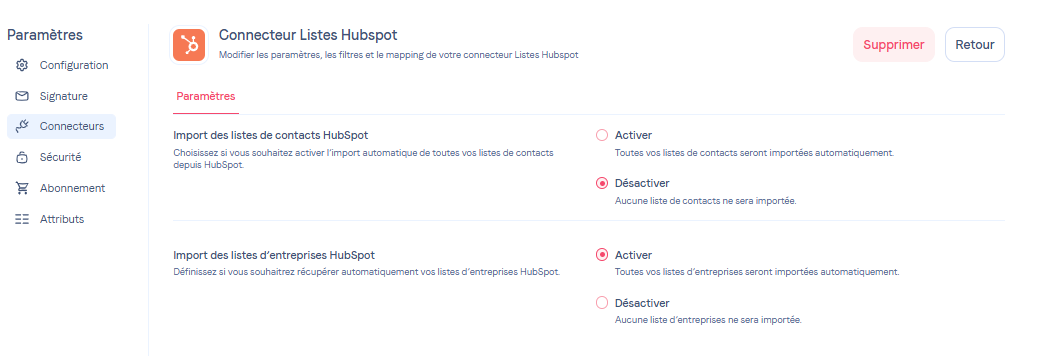
When the connector is created, only information related to the lists is retrieved. No contacts are imported until you have activated the import of the desired list types.
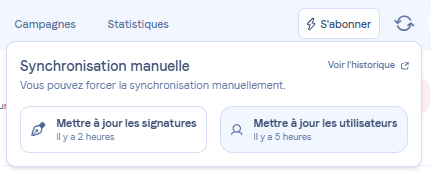
List synchronization is performed automatically every night, according to the parameters you have defined. It is also triggered manually during a user import.
As soon as a list is added to a campaign, its import is automatically launched.
For your information, you can force an update of the lists from the security console by forcing an update of the signatures.
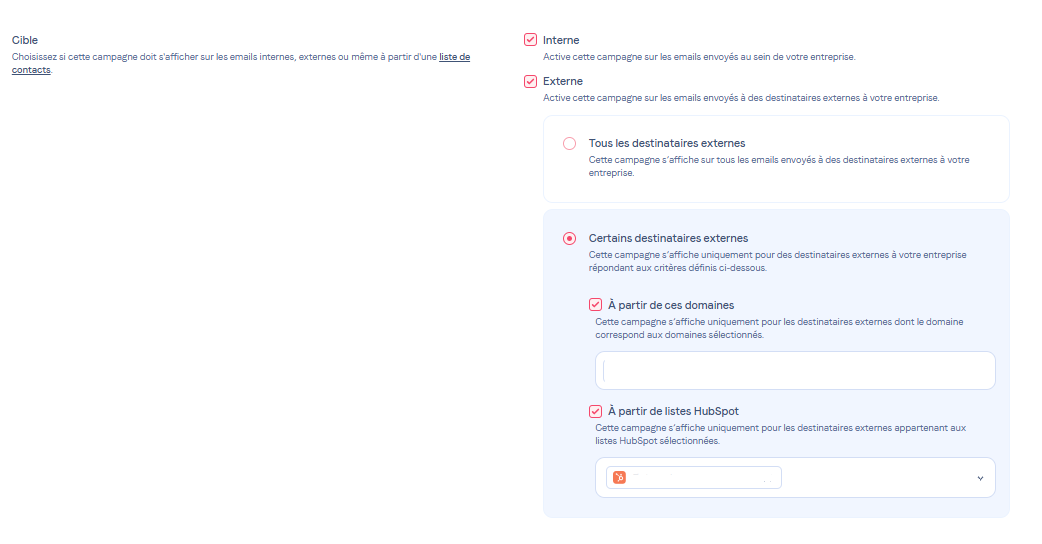
From your campaign, you can directly select one or more HubSpot lists to target your recipients, whether they are email addresses or specific domains.
The option is available from the Scenario tab:
Please do not hesitate to contact support if you have any questions!
