
When logging in, if your extension remains in a “pending” status and the signature does not appear, please follow these steps:

If you are using Outlook, log out from the extension to confirm your email from Outlook WEB.
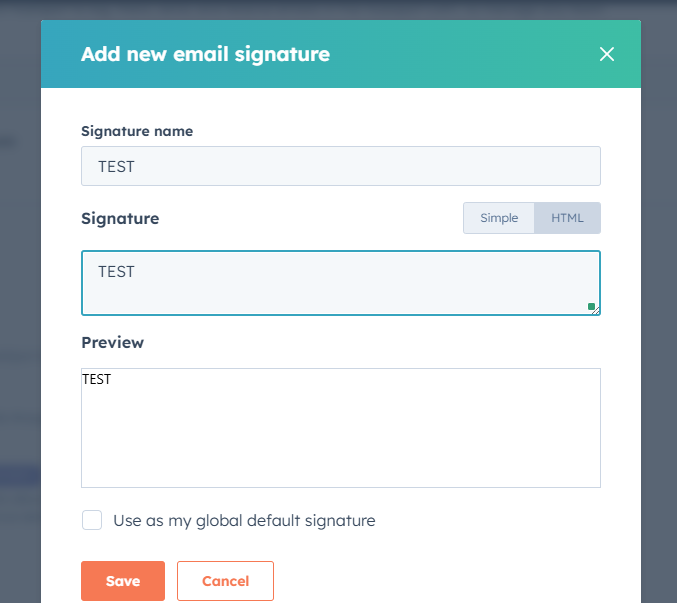
Create an HTML signature in Hubspot. The extension replaces an existing signature; it does not create one. To work around this, you must therefore create an HTML signature in Hubspot and restart the extension. To access this menu, go to this link: https://app-eu1.hubspot.com/settings/143403165/user-preferences/email then click on Manage email signatures.
Check whether you have multiple environments in Hubspot. If you have several, you must rename them with the terms
sandboxordeveloper. Once this is done, restart the connection of your extension.