
As an administrator, you can allow your users to add and display their personal social networks in their email signature. This configuration is done directly from the platform settings.
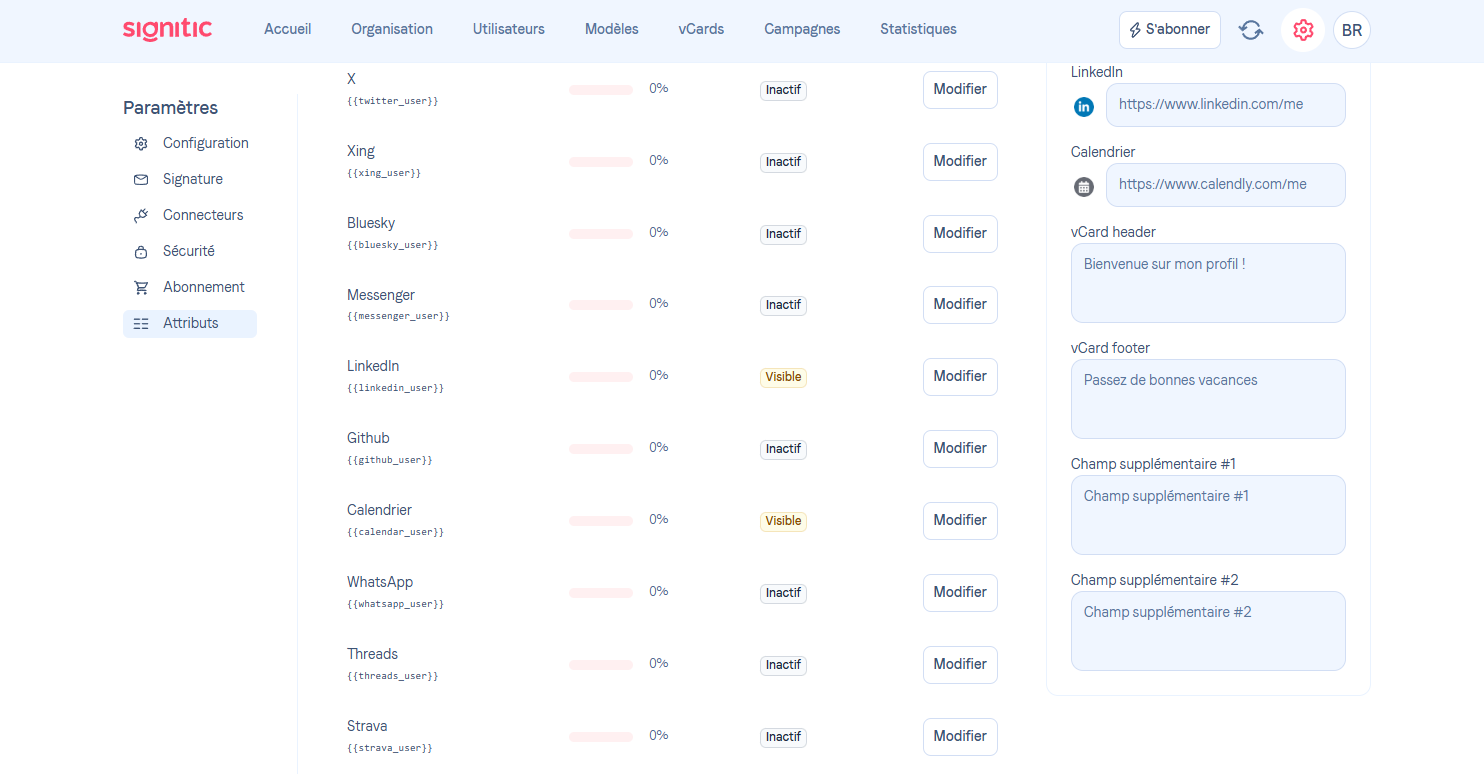
❶Access the settings
Start by logging in to your administrator account, then go to the Settings section.
You can also access it directly via this link:
https://app.signitic.com/settings/attributes
❷Open the "Attributes" section
In the settings, click on the Attributes tab.
This section allows you to manage the custom fields available for your users.
❸Enable the attributes you want
On this page, you can:
Enable existing attributes. Make them editable or not.
Make an attribute visible/editable
Make an attribute visible or editable to use it in your template
❹Integrate social networks into signatures
Final step: check that the social network attributes are correctly used in your signature templates.
To do this:
Go to the signature editor
Add the fields corresponding to social networks