
Attention : If you are an administrator and have not yet deployed the Signitic Add-in, please follow this guide. If, however, the Signitic Add-in is not an option for you, you can still install the Signitic agent by following this guide.

❶ Download the Signitic agent
Download the Signitic agent on your computer.
Attention : Several versions of the Signitic Agent are available. Make sure to choose the one that matches your machine.
❷ Run the downloaded file
The installation of the application will start instantly.
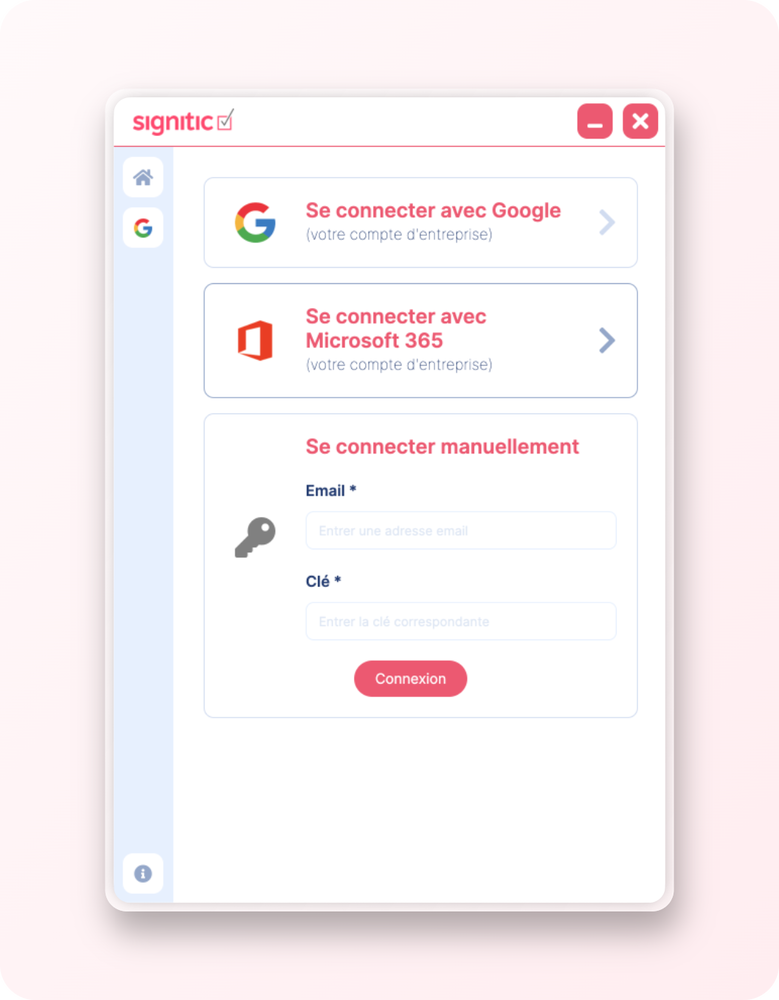
❸ Log in
Log in via Google, Office 365 or with your connection key.
❹ Update your signature
Update your signature by clicking the Update button at the bottom of your profile page.
❺ Your signature is ready
Your signature will now appear in your current signatures.
👉🏻 You can also choose for your default signature to be your new Signitic signature.
Once logged in, you can close the Signitic application via the red cross at the top right. The application will then run in the background to update your signature without disturbing you.