
❶Locate the relevant tag
The goal is to navigate to the model you want and click on the block containing the underlined tag in your template.
❷Open the source code of your block
Next, open the source code of your block.
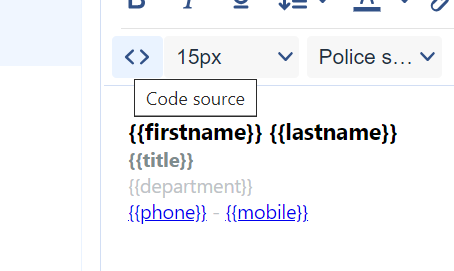
Then, locate the <a</a> tag that wraps your link. In this case, we will use the {{mobile}} tag as an example.
❸Modify the code
The goal is to modify the code to add a style variant. Here is the example to follow:
<a style="color: #FF0000; text-decoration: none;" href="tel:{{mobile}}">{{mobile}}</a>You need to add the "text-decoration: none;" tag in the code, which will remove the text underline.
It is also possible that your code displays this when opened.
<a style="text-decoration: underline;" href="tel:{{mobile}}">{{mobile}}</a>In this case, you only need to change the word "underline" to "none."
Here is the final result of this modification: