
The objective is therefore to replace the information in a shared mailbox in order to insert the user’s information.
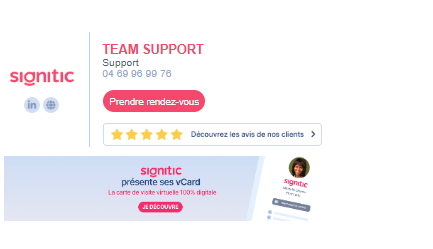
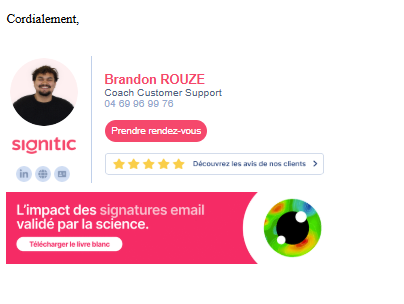
To do this, you must therefore replace the attributes {{prenom}} and {{nom}} with {{main.prenom}} or {{main.nom}}. This will make it possible to retrieve the user’s name at a given time. Example: Julien and José use the Support signature of your company. In this case, if we add the attributes, the name will be replaced by that of Julien when he uses it, or José.
Each field on the user’s profile can be used in this case:
First name: {{main.prenom}}
Last name: {{main.nom}}
Position: {{main.poste}}
Email: {{main.email}}
Mobile: {{main.mobile}}
Telephone: {{main.phone}}
Department: {{main.service}}
Additional field: {{main.extra_field_user}}
Additional field (2 to 10): {{main.extra_field_user_2}}; {{main.extra_field_user_3}}
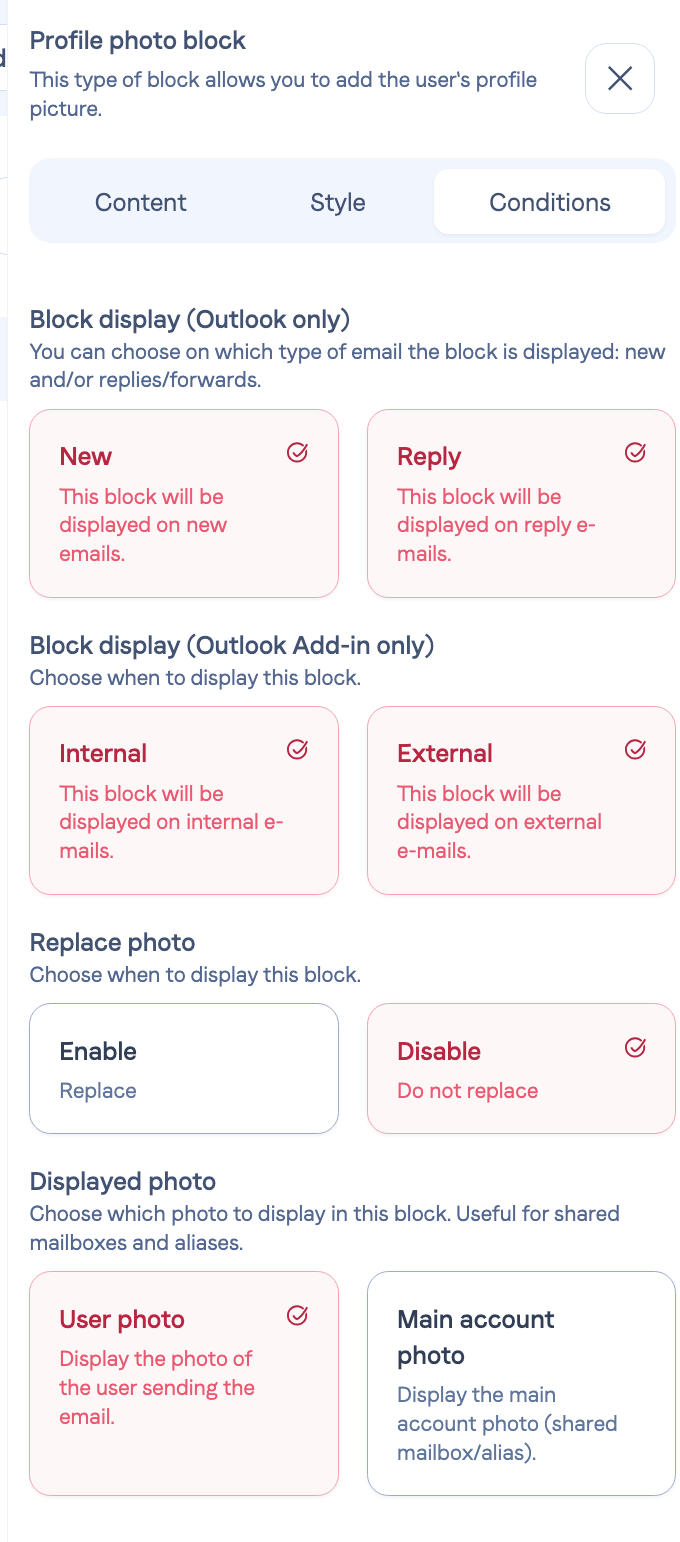
You can also enable the option for profile pictures:
Do not hesitate to contact support if needed!