
It is now possible to manage internal and external contacts on your signature coming from Gmail. To do this, you can add conditions to the blocks of your signature template.
Add conditions to a block
How to add conditions to an entire block?
 Manage internal and external contacts
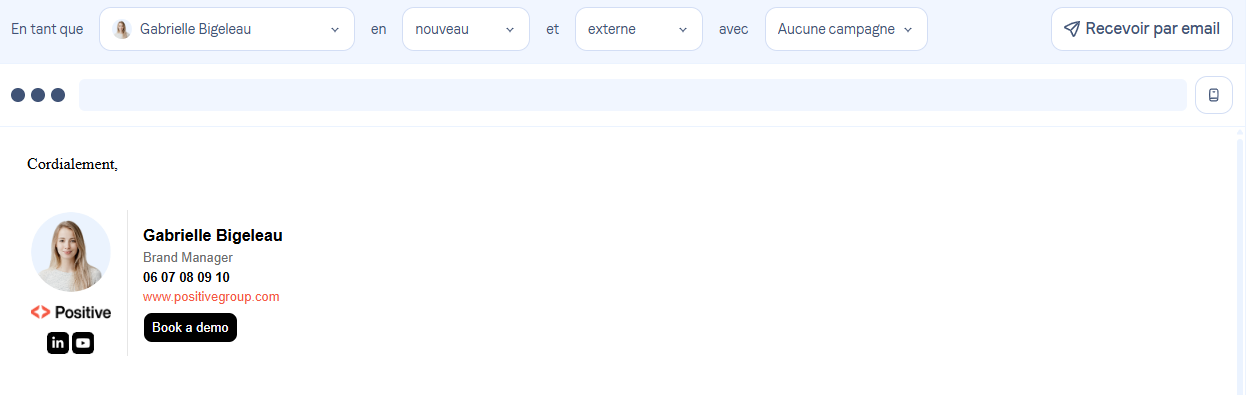
Once the conditions have been added to your template, the blocks will disappear according to your recipient.
External recipient:
Internal recipient:
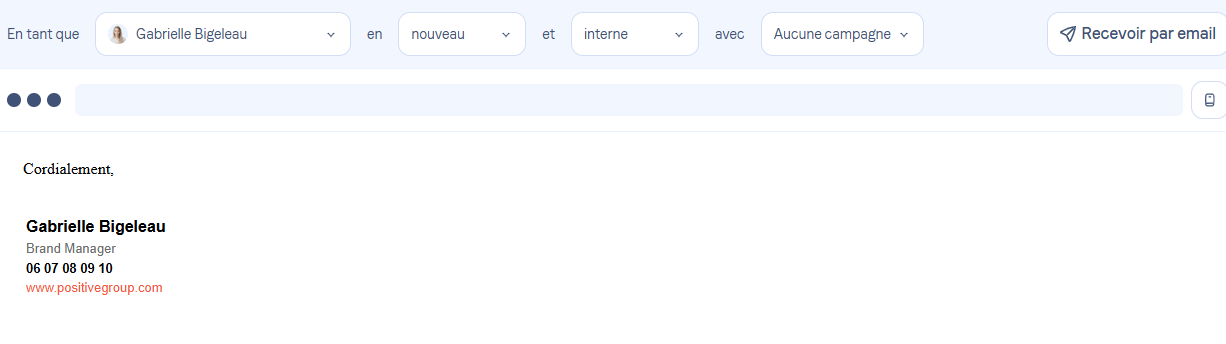
The change will therefore occur automatically depending on the recipient. External recipients will always be prioritized in this case.
 Use a campaign
From Gmail, the user can access various features to manage how their signature is displayed.
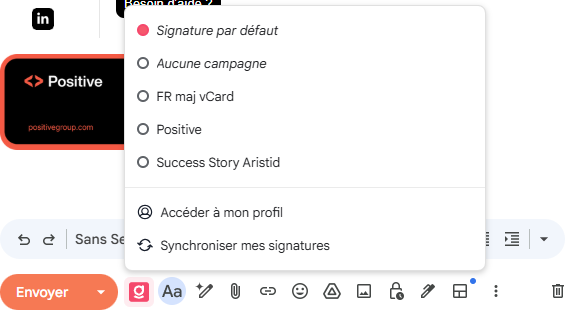
Default signature: View the signature assigned by default to your profile.
No campaign: The user can choose not to display a campaign in their email.
Campaigns available to the user (a preview is available before insertion).
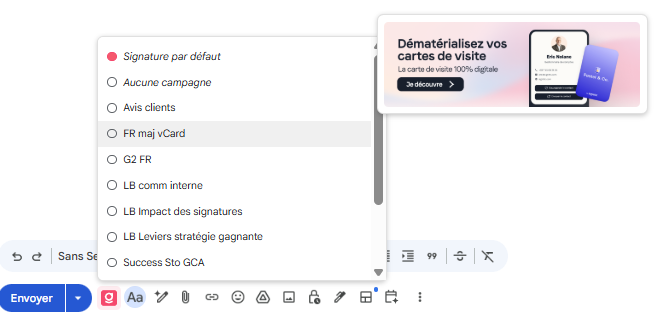
Access my profile:
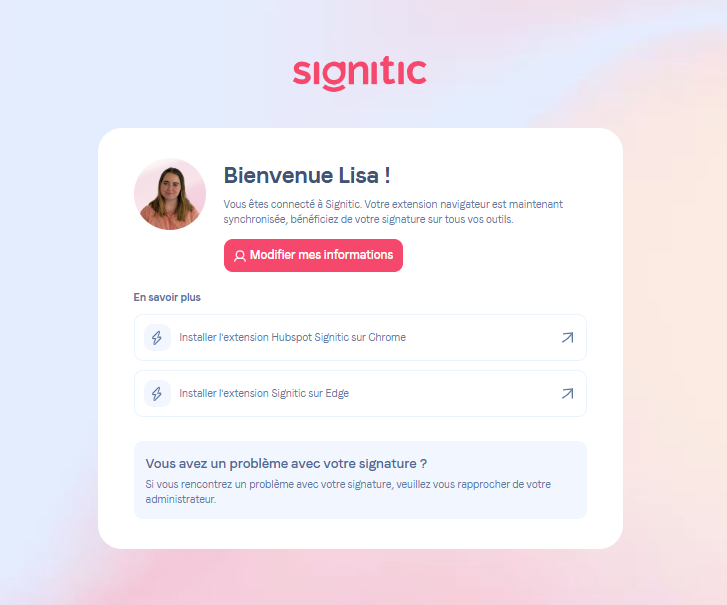
By clicking on “Edit my information”, you will access the form for editing your signature.Synchronize my signatures: You can start a synchronization of your signatures in order to view the latest changes.
