
When you connect your Google Workspace connector, we retrieve all your users according to the domain or domains that you have activated.
Add the group in the filters of your Signitic connector
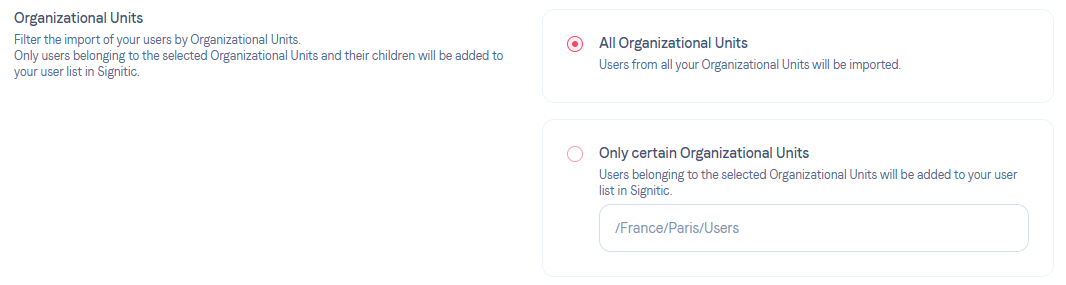
Once the groups have been created on your side, you can add them to Signitic. Simply go to the Filters tab of your Google Workspace connector on Signitic. You can then add them to the available groups.
Update your user list
Once your modification has been saved, you can launch a user reload to update your Signitic user list.
Forcer la mise à jour de vos signatures ou utilisateurs
Comment mettre à jour ma signature ?
Do not hesitate to contact support if needed.